Wireframing & Product UX (Balsamiq & Figma)
Clickable wireframes and high-fidelity Figma designs that align your team before a single line of code is written.
Overview
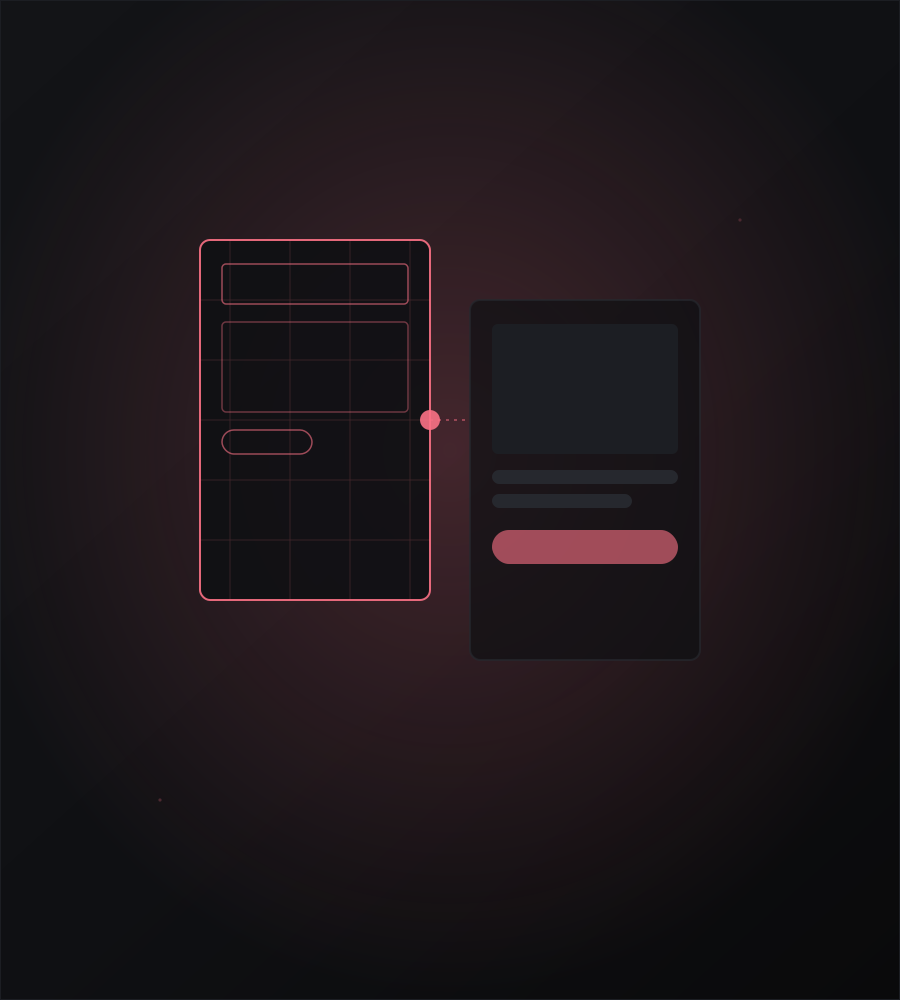
Before writing code, the best investment is clarity. I create wireframes and UX flows that map out every screen, every interaction, and every edge case — so your team is aligned, stakeholders can give feedback early, and developers have a clear blueprint to build from.
This stage saves weeks of rework downstream and dramatically improves the final product.
My Process
Step 1 — Discovery
I start by understanding your users, your goals, and your constraints. This includes:
- User persona definition (who is using this, and why?)
- Mapping core user journeys and jobs-to-be-done
- Competitive analysis of similar products
- Feature prioritization (must-have vs. nice-to-have)
Step 2 — Low-Fidelity Wireframes (Balsamiq)
Balsamiq's intentionally rough style keeps feedback focused on structure and flow, not aesthetics:
- Every screen in the product mapped out
- Navigation flows and user journeys
- Information architecture (what goes where)
- Quick iteration with client feedback — multiple rounds until the structure is right
Step 3 — High-Fidelity Design (Figma)
Once the structure is approved, I move into Figma for polished, brand-aligned screens:
- Pixel-perfect layouts matching your brand identity
- Typography, color system, and spacing defined as design tokens
- Component library built inside Figma (buttons, inputs, cards, modals, etc.)
- Responsive variants — mobile, tablet, and desktop frames
- Dark mode variants if needed
Step 4 — Clickable Prototype
I link all Figma screens into a clickable prototype:
- Stakeholders can tap/click through the full product flow
- Realistic transitions and hover states
- Shareable via Figma link — no install required
- Perfect for investor demos, client presentations, or user testing
What's Included
- Low-fidelity Balsamiq wireframes for the full product
- High-fidelity Figma screens (all states: empty, loading, error, success)
- Organized Figma file with named pages and reusable components
- Clickable prototype link
- PDF / PNG exports for offline review and stakeholder presentations
- Documented edge cases (what happens when a list is empty, when an error occurs, etc.)
- Optional: Figma Dev Mode handoff with measurements and CSS values for developers
Why This Matters
- Catch problems early — UX issues are 10x cheaper to fix in design than in code
- Faster development — developers build from a clear spec, not guesswork
- Stakeholder alignment — everyone sees and approves the product before it's built
- Better user experience — flows designed around real users, not developer assumptions
Tools
- Balsamiq Wireframes — low-fidelity, rapid iteration
- Figma — high-fidelity design, prototyping, design systems, Dev Mode handoff
- FigJam — user journey mapping and information architecture workshops
Ready to get started?
Let's talk about your project and figure out the best approach together.
Contact Me